I am trying to install a brand-new instance of the latest Matomo release. I am self-hosting it on a local Windows 2025 server using IIS. I have PHP 8.5.6 installed, but I have also tried v8.2.3. I have a blank database created and ready to go using MySQL.
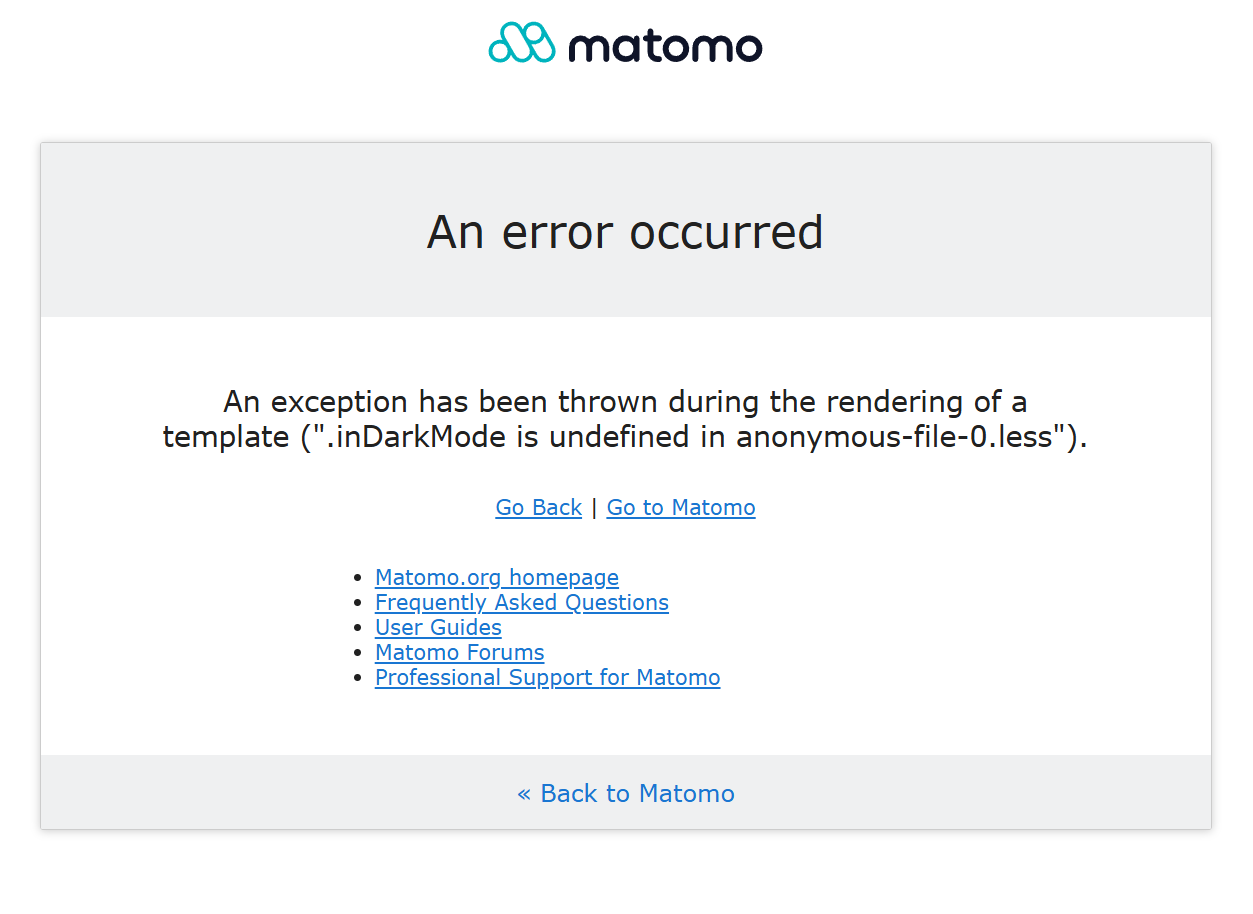
When I try to run the Matomo installation, I am immediately stopped before any installation steps actually start. I do not get the Welcome Screen. I get this error. “An exception has been thrown during the rendering of a template (“.inDarkMode is undefined in anonymous-file-0.less”).”
I have not added or updated any templates. The template folder is untouched. It only contains the default plugins that come with the installation package.
I haven’t used or added any plugin. The only plugins I have are the default ones that come with the installation files. I have no premium features.
Since I posted this, I have tried a bunch of older versions. I thought maybe if I tried a version that didn’t have “Dark Mode” as a feature, it might work. I tried all the way back to 5.8.0. They all failed too.
Do you have a list of the required essential plugins? I can try and disable any non-essential plugins from the default plugin folder. I tried disabling them one by one, but I’m not sure what plugins are critical, and it kept breaking the installation files. I’d have to re-enable them.
I solved the problem. I have it installed and running now.
The issue was, I am unable to host my Matomo files on a shared network drive. I had to host the files directly on the IIS webserver’s local disk. I tried a bunch of different permissions and credentials, but nothing worked.
Do you know if there are any specific permissions or credentials that IIS needs in order to run Matomo from a network drive? I realize IIS isn’t the prefered server to use, but maybe you know some secret tips and tricks that arn’t in the setup documentation? I have several other IIS sites hosted on the same network drives, and they all work fine, but for some reason Matomo wouldn’t work unless it was local. I would like to eventually move the installation to a network drive if possible.