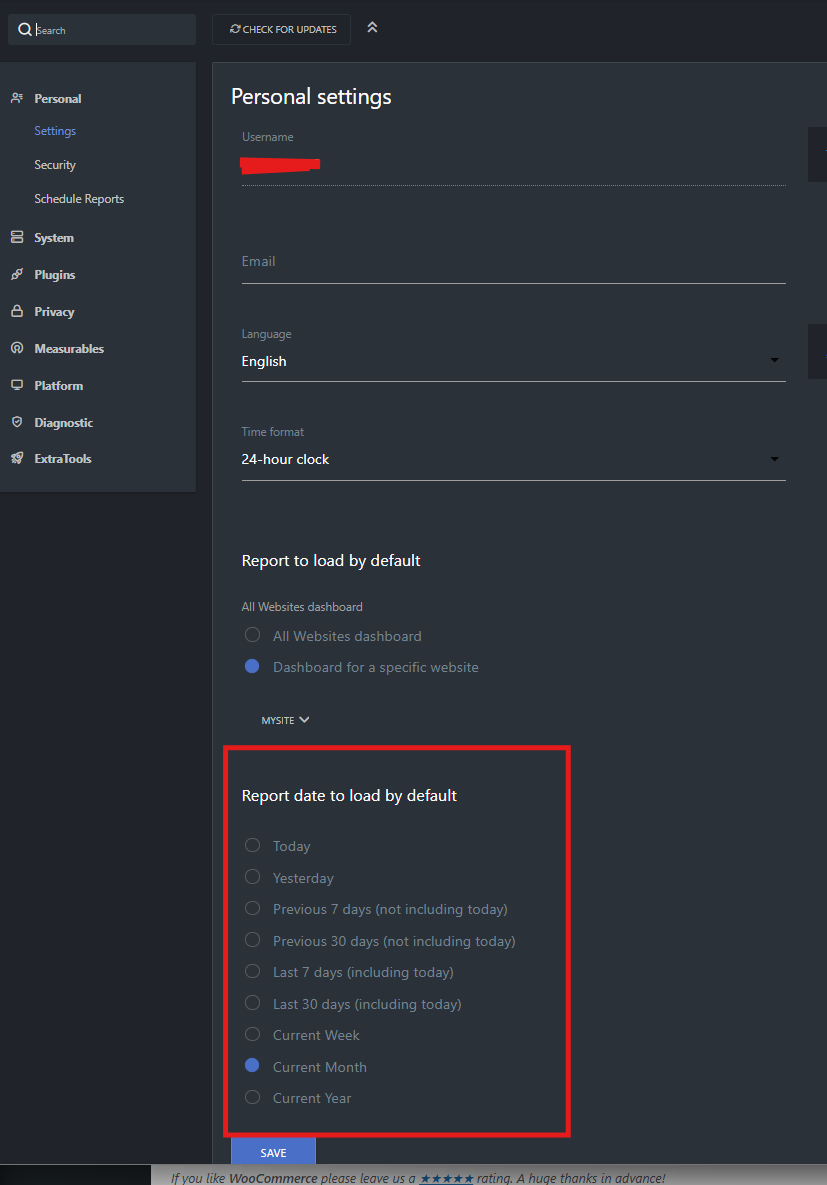
I pretty much use the default dashboard settings with my “Visits over Time” and “Visitor Map” set to monthly view. That all works fine, but when it gets to the end of the month my trend line crashes to zero and starts over (which is sort of what I ask it to do).
Does anybody know a way to get the dashboard to display the last 30 days? I know you can ask for a certain date range, like Feb 15 to Mar 14, but that has to be changed every day. Is there any way to make the dashboard look backwards 30 days automatically?
That doesn’t do what I need, unfortunately. I only have a single web site and I should be able to set the default report period under “Personal, Settings, Report date to load by default”. I have tried “previous 30 days”, “last 30 days”, and “current month”, but each of those choices gives me the same result which is from March 1 until today. I want to see the last 30 days running (Feb 6th until today as I post this on March 6th).